Create your own
AI companion.
An adult-themed AI studio powered by local, uncensored models. Create your characters, chat, and make photos and video on your own computer.
Explore the studio How it worksCharacters / Conversation / Photos / Video / Voice
You choose who
they become.
Create adult women or men. Choose their look, build a consistent character, and give them a personality of their own.
Choose a face.
Keep it consistent.
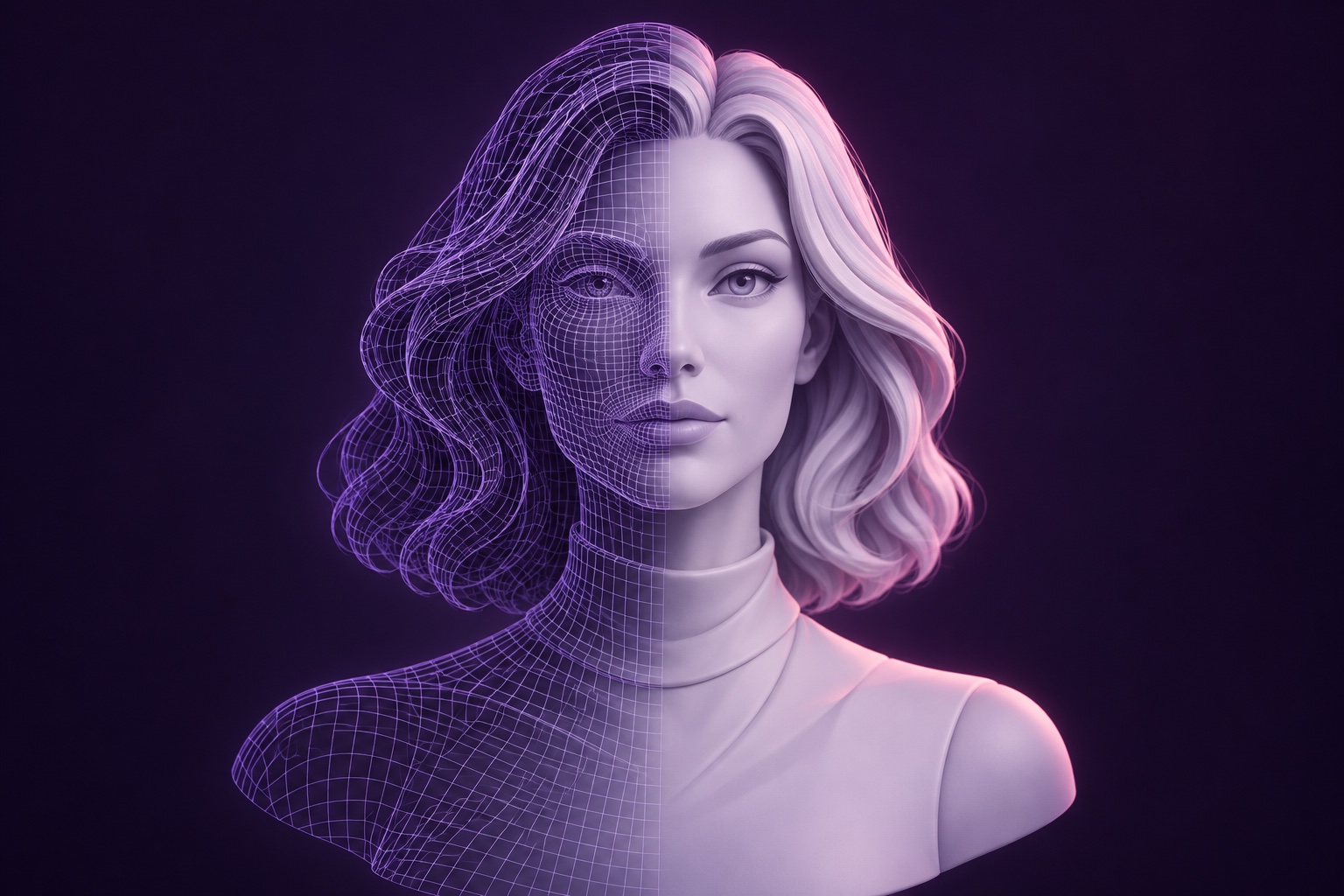
Generate a character and edit their look with written instructions. Build a set of poses, then train a character model to keep their appearance consistent across images.
Give them a voice
and a memory.
Give them a persona and a voice. They remember your conversations, even after you close the app. Ask for a photo and they can send one of themselves.
Make photos.
Add motion and sound.
Turn a still image into video with generated audio. Create a talking avatar from a photo and a voice. Edit images with written instructions and bring clips together in the editor.
Image editing · Video · Speech · Talking avatarsYour own studio.
On your computer.
Choose the local, uncensored models you want to use. Your characters, conversations, photos and video stay on your computer.
Set up your studioElustra runs wherever ComfyUI runs.
An idea.
A character.
A companion.
Build their appearance, give them a personality, then start creating together.
- 01Create
Create their look
Generate a character and refine their appearance with written instructions.
- 02Train
Make it consistent
Build a pose set and train a character model to use across your photos and video.
- 03Connect
Start a conversation
Choose their personality and voice. Chat, ask for a photo, or make a video.
Install it. Make it yours.
Install Elustra on your computer and start creating your own characters.
It’s open source. Change the code, add features and build with the local models you choose.
Want a hand getting started?
We offer paid setup services, including installation, tuning and custom characters.
A few useful details.
What hardware do I need?
A computer that runs ComfyUI.
Can I develop my own version?
Yes. You can change the source code, build new tools and connect your own local models.
Can you customise my characters?
Yes. We can create characters for you and help you choose their appearance, personality and voice.
Do I need to pay for setup?
No. You can install Elustra yourself. Paid setup is available if you’d like us to install it and help you get started.