A character of your own.
Create adult women or men. Choose their appearance or try a random character, then pick the face you want to develop.
Elustra comes with workflows you can use out of the box. Create your characters, edit their photos and bring them to life in video, all on your own computer.
Explore the features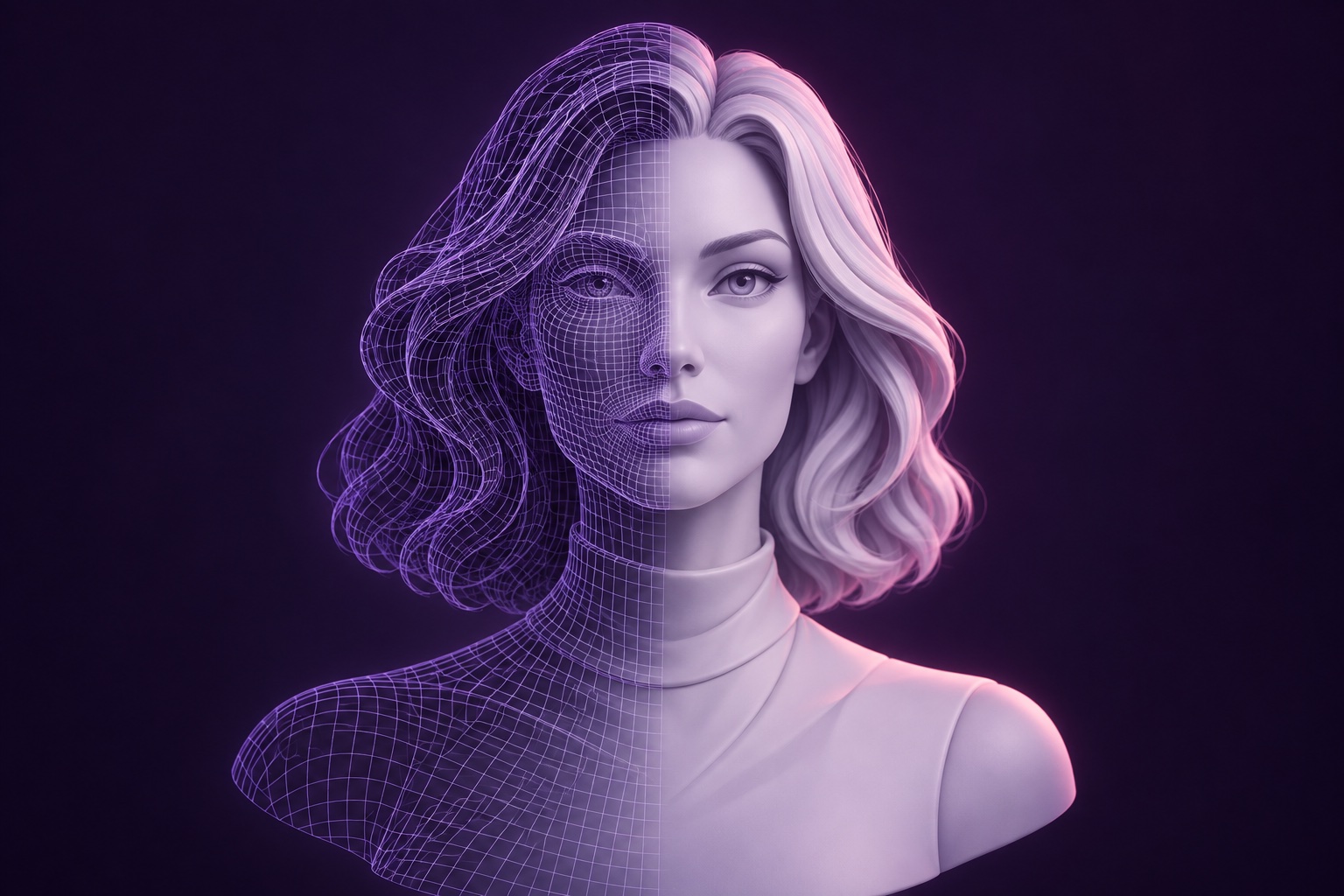
Our ready-made workflows take you from your first idea to character photos, edits and video.
Create adult women or men. Choose their appearance or try a random character, then pick the face you want to develop.
Give instructions such as “give her red hair” to edit an existing image. Refine the result with skin and face fixes.
Build a full set of poses from one image and train your character. Keep their appearance consistent as you create new photos.
Turn a character photo into a short video clip with generated audio.
Elustra also includes speech in dozens of voices and talking avatars made from a photo and a voice. Give your companion a personality, start a conversation and return to a memory that lasts.
ComfyUI lets us bring image creation, editing and video together through workflows that run locally.
Install Elustra and start creating with the included workflows.
Get started with ElustraWe offer optional paid setup, tuning and custom characters.